Scan a book into a searchable PDF or Word.docx with verified characters and verified spelling
Scanning of a book, booklet or newspaper into an image PDF with an OCR-interpreted text layer
We offer two main methods for scanning books or booklets:
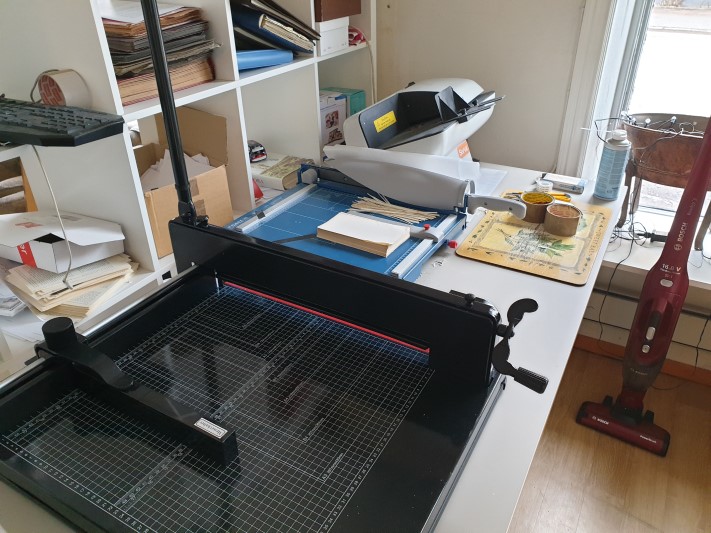
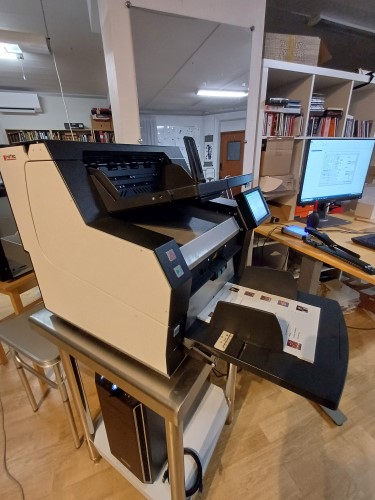
- Automatic sheet-fed scanning: Used when the book/booklet may be cut apart, which allows higher quality, greater efficiency and cost savings. In this case the covers and jacket are always scanned first (before the book is cut apart) with an overhead scanner.
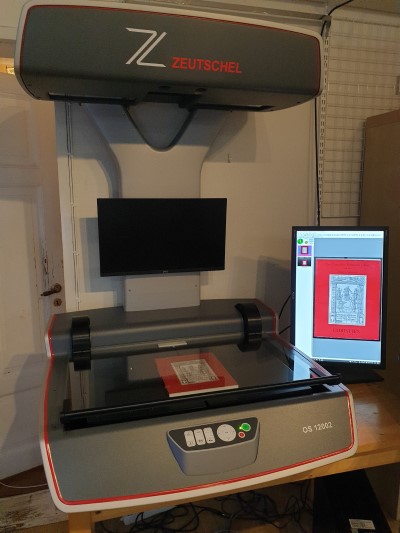
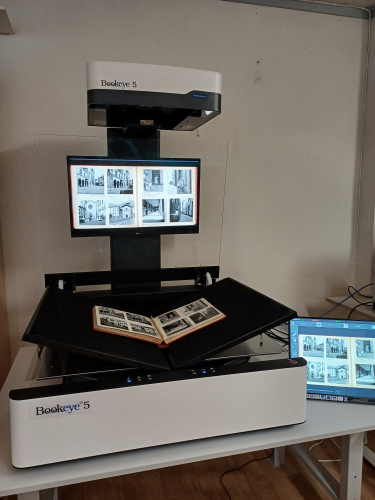
- Overhead scanning: Suitable for whole books up to A1(+) format that cannot be cut apart.
The scanning process:
- Resolution: We scan at 600 dpi to enable high-quality OCR and then downsample to 300 dpi to reduce the file size without compromising the OCR result.
- OCR: Carried out with the best available software:
- Option 1: Batch OCR without correction of uncertain characters. (We always correct the title page, however.)
- Option 2: AI correction, which gives a very good result at a very reasonable price.
- Option 3: OCR with manual correction of uncertain characters and words using a word list, plus AI correction for the highest accuracy.
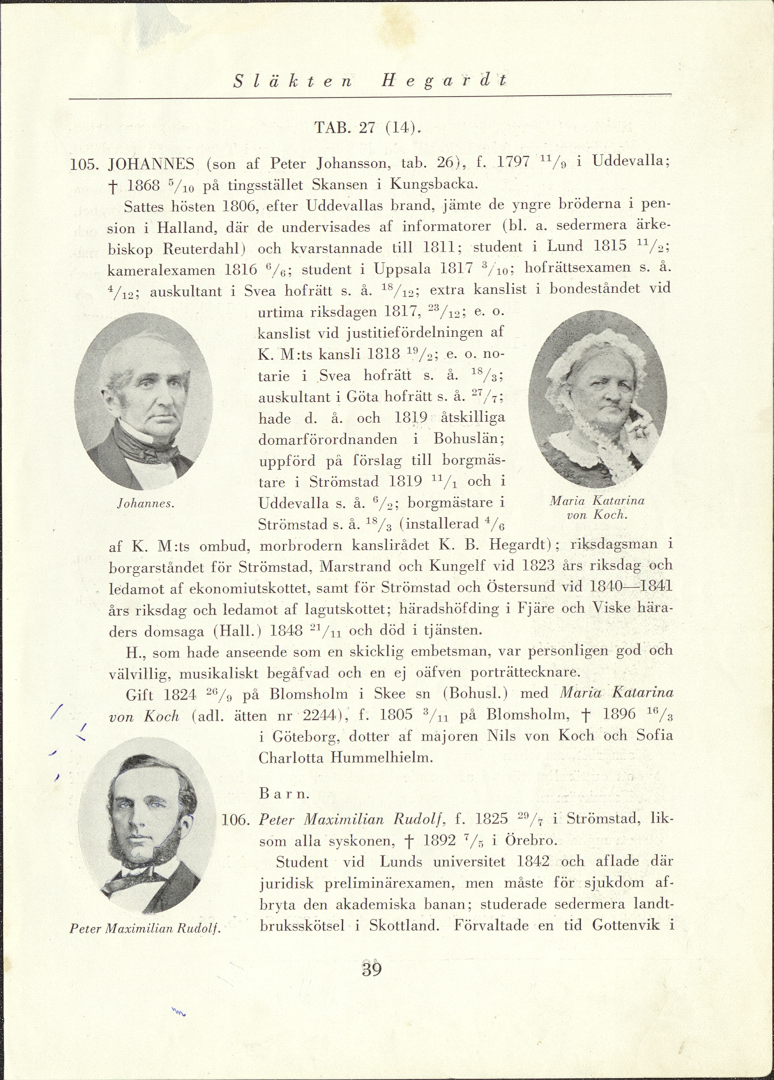
- Image enhancement: We use our own in-house dynamic edge fill for tidier page edges. We can also straighten either the whole page rectangle or the text block on the page, as well as tidy up margins for extra-high quality. For black-and-white scanning, the text block is centred and small black specks are filtered out. Larger specks are retouched manually. For scanning in colour, we can retouch specks and spots both automatically in the margins and also manually! Text centring can be a little harder to do neatly in colour.
Delivery:
- You receive one or more searchable image PDFs: at 300 dpi with minimal loss of quality, plus 600 dpi if desired.
- Options:
- Black and white: Minimal file sizes, best for text documents without illustrations.
- Greyscale: Smaller file sizes than colour, a good compromise between quality and size. But I recommend colour or black and white!
- Colour: Essential for pages with illustrations for the best reproduction.
- The option to mix black-and-white and colour pages depending on the content.
Prices:
Contact us for more information or to discuss your specific needs! It is important to state the kind of price and quality you are after: 1) Cheap and basic, or 2) Really high quality with straightened text and a careful review of the pages with retouching of specks and spots. 3) If you are willing to wait a long time, for example six months or up to a year, I give a substantial discount on large jobs.
Sample files:
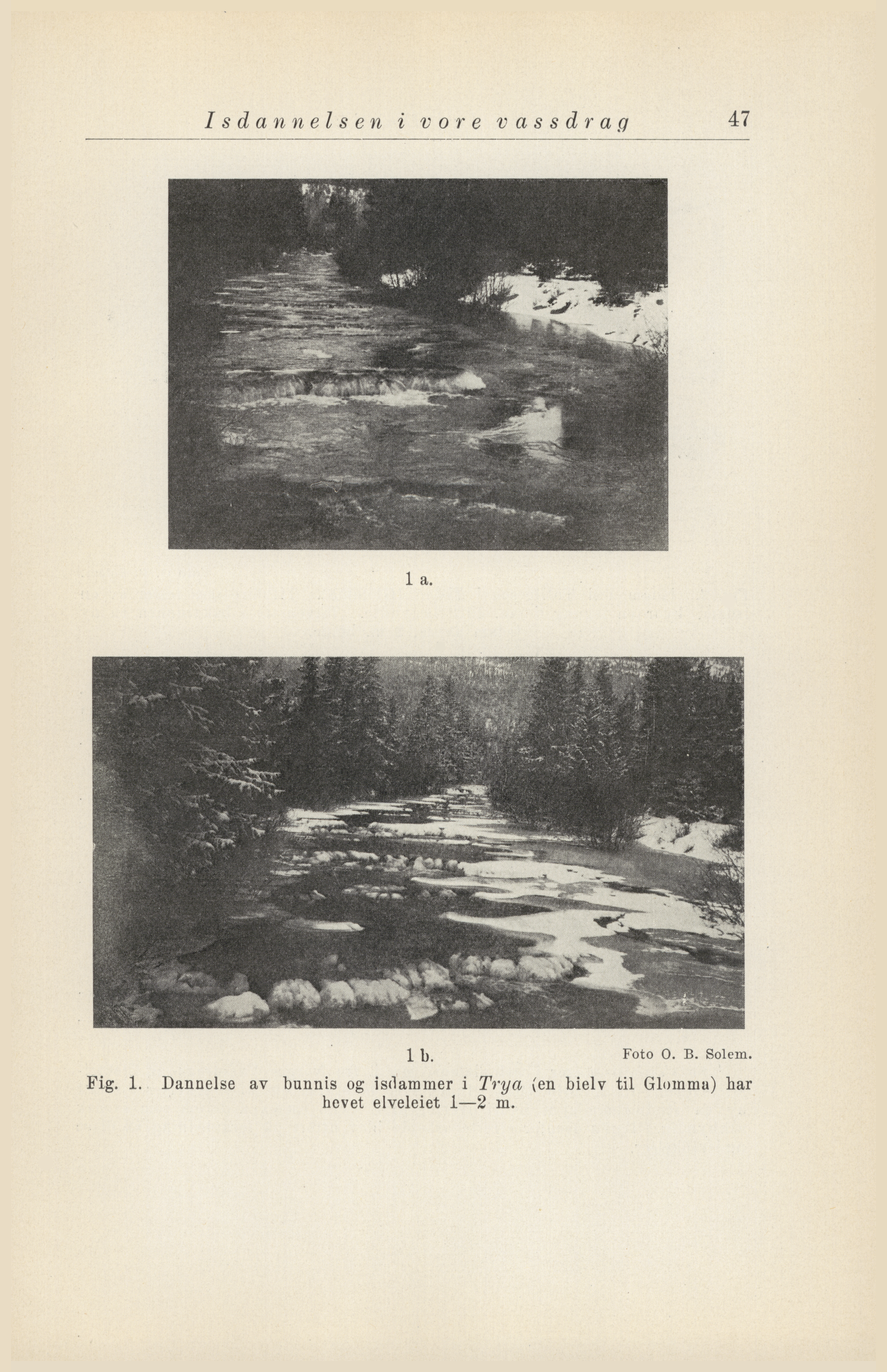
Images only, in PDF, TIFF or PNG format for reproduction printing
If instead you just want an image PDF of the book, or TIFF images, with no editing capability, then of course we can do that too! We can scan in colour, greyscale or black and white up to 600 dpi optical resolution. 600 dpi is usually enough for reproduction printing!
In most cases we can also centre the text block if you would like that extra service!
OCR scanning of a book into Word.docx
We normally cut the book apart - or we use an overhead scanner for book scanning up to A1(+) format - and scan the book's pages and OCR-convert them into a raw text, i.e. an editable, page-broken text.
Option 1: Manually verified characters and verified spelling, but without typographic editing. Plus AI correction afterwards to find and fix a few more errors!
Option 2: Only AI-verified spelling, which is somewhat cheaper and almost as good!
We are strong on demanding texts featuring foreign languages and characters. That is one reason why publishers are keen to use our services!
With our book digitisation service we have assisted, for example, Brombergs Bokförlag, Bokförlaget Bakhåll, Bokförlaget Daidalos, Bookmark förlag, Fri Tanke Förlag, Bookhouse Publishing, Lindelöws bokförlag, Mondial Förlag, Åbergs stilus et forma and others.
New typesetting of the text block for printing or an e-book
You can then work further with the text if it is a Word file you have ordered! Either you typeset the text block yourself, or you hire an external book designer! We can recommend a book designer we usually work with if you wish! He can typeset a text block, create a new cover, or make an e-book in EPUB format.
OCR raw text with verified characters and verified spelling from a PDF file
From certain PDF files we can extract the content directly and convert it into a Word file. Where that is not possible, the PDF file's pages are interpreted as images with OCR technology, as above.
A few common things to consider before book scanning
Example 1: Traditional calibration or FADGI calibration (best colour reproduction)
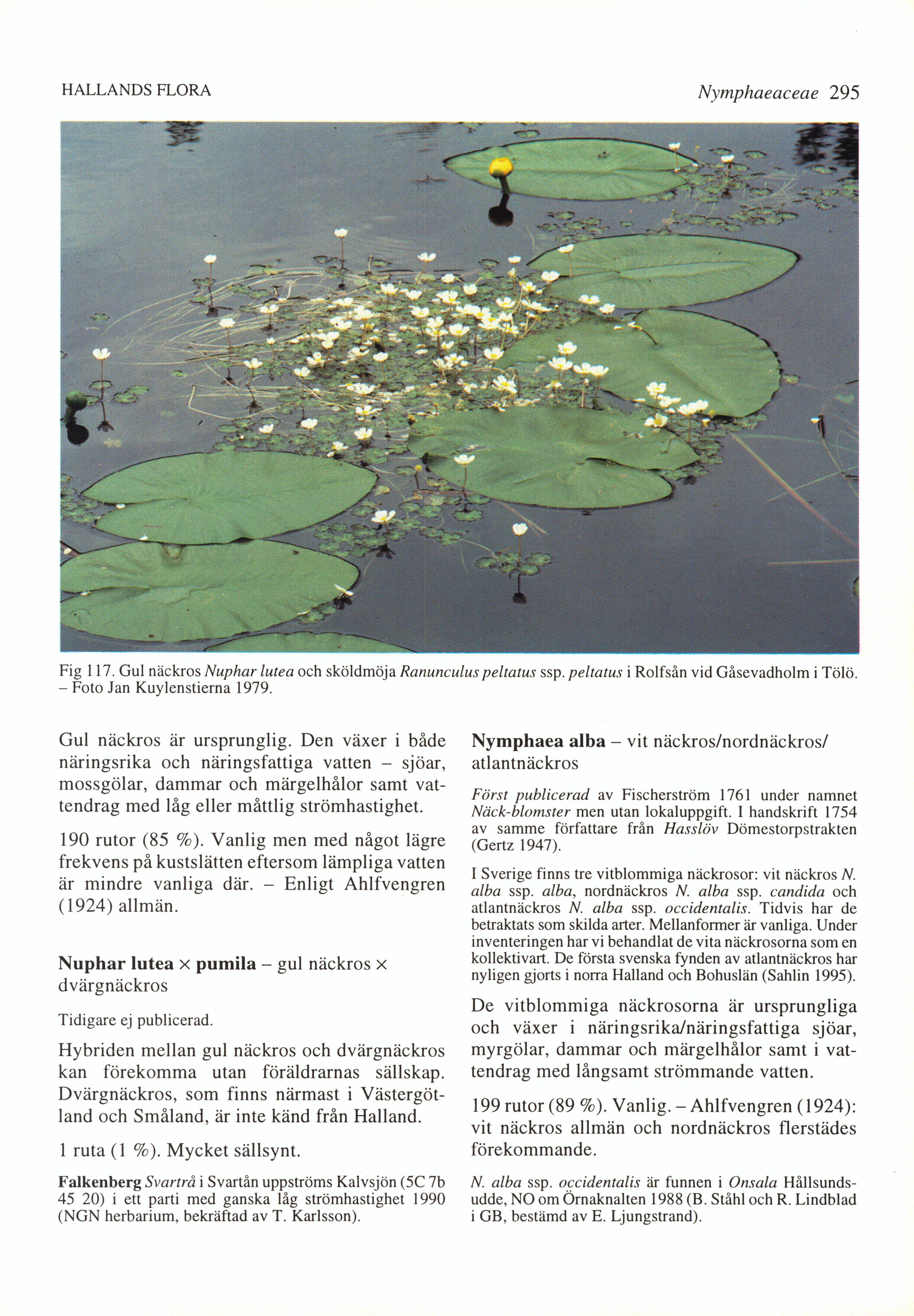
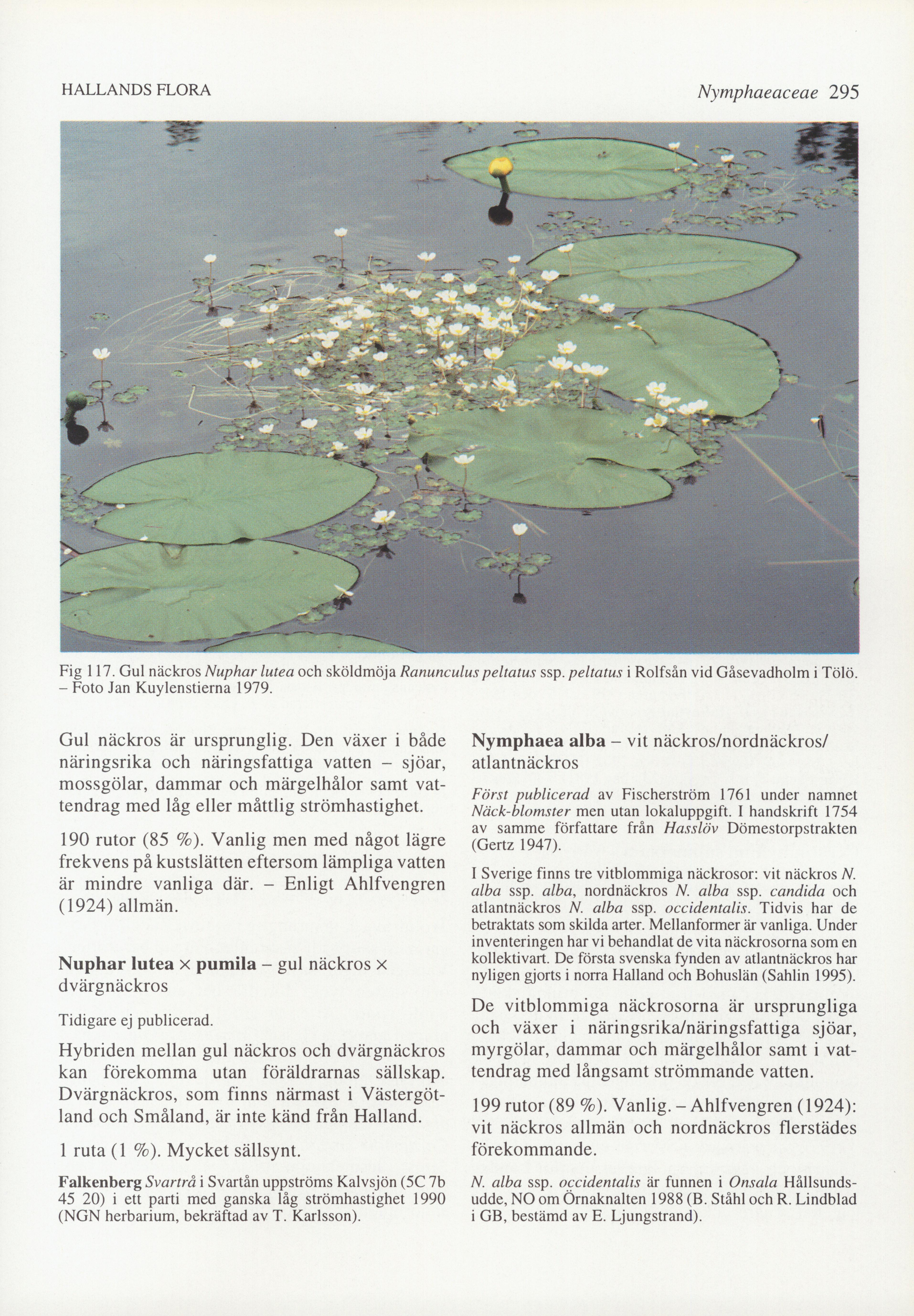
Example 2: Unprocessed image or with dynamic edge fill
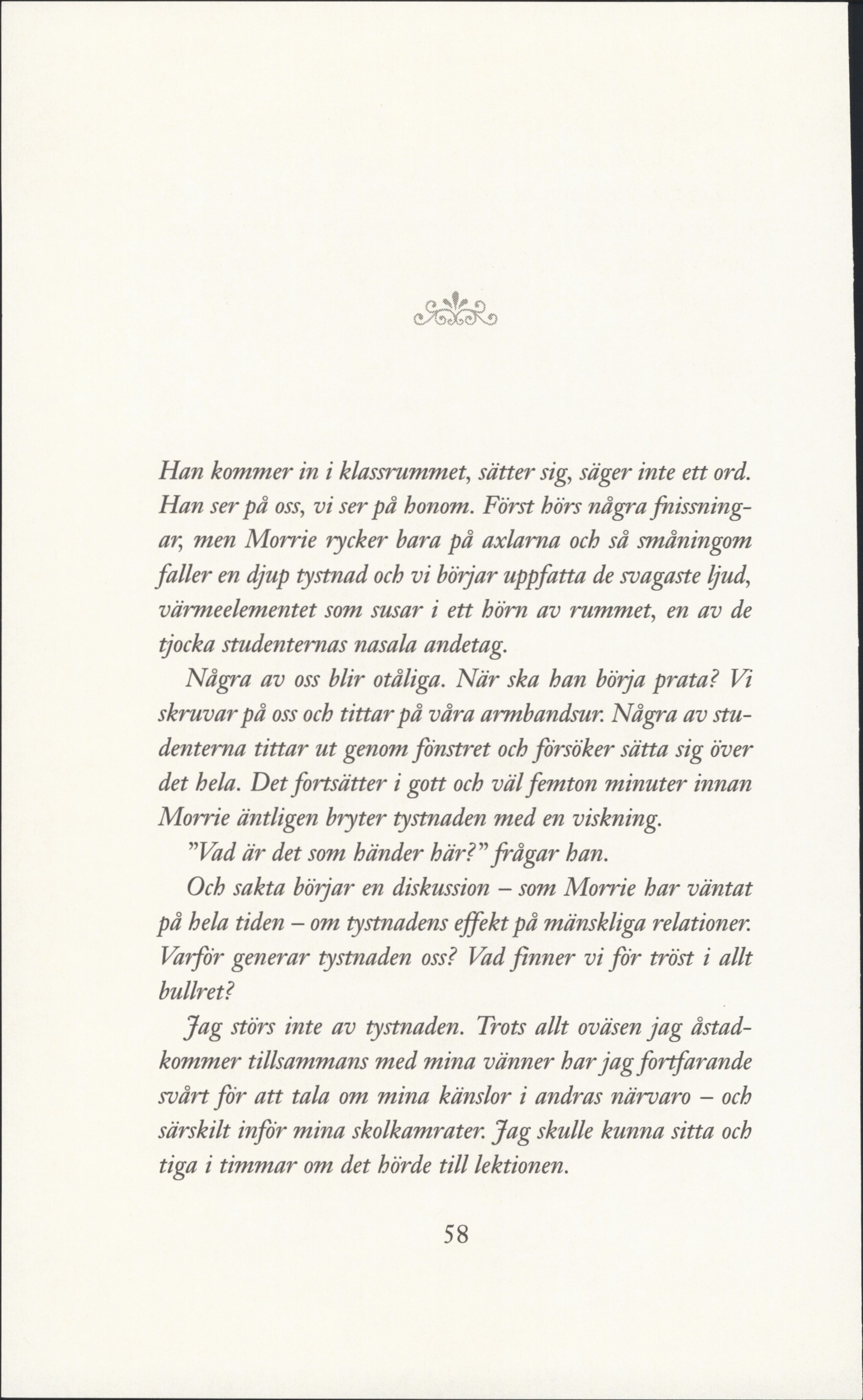
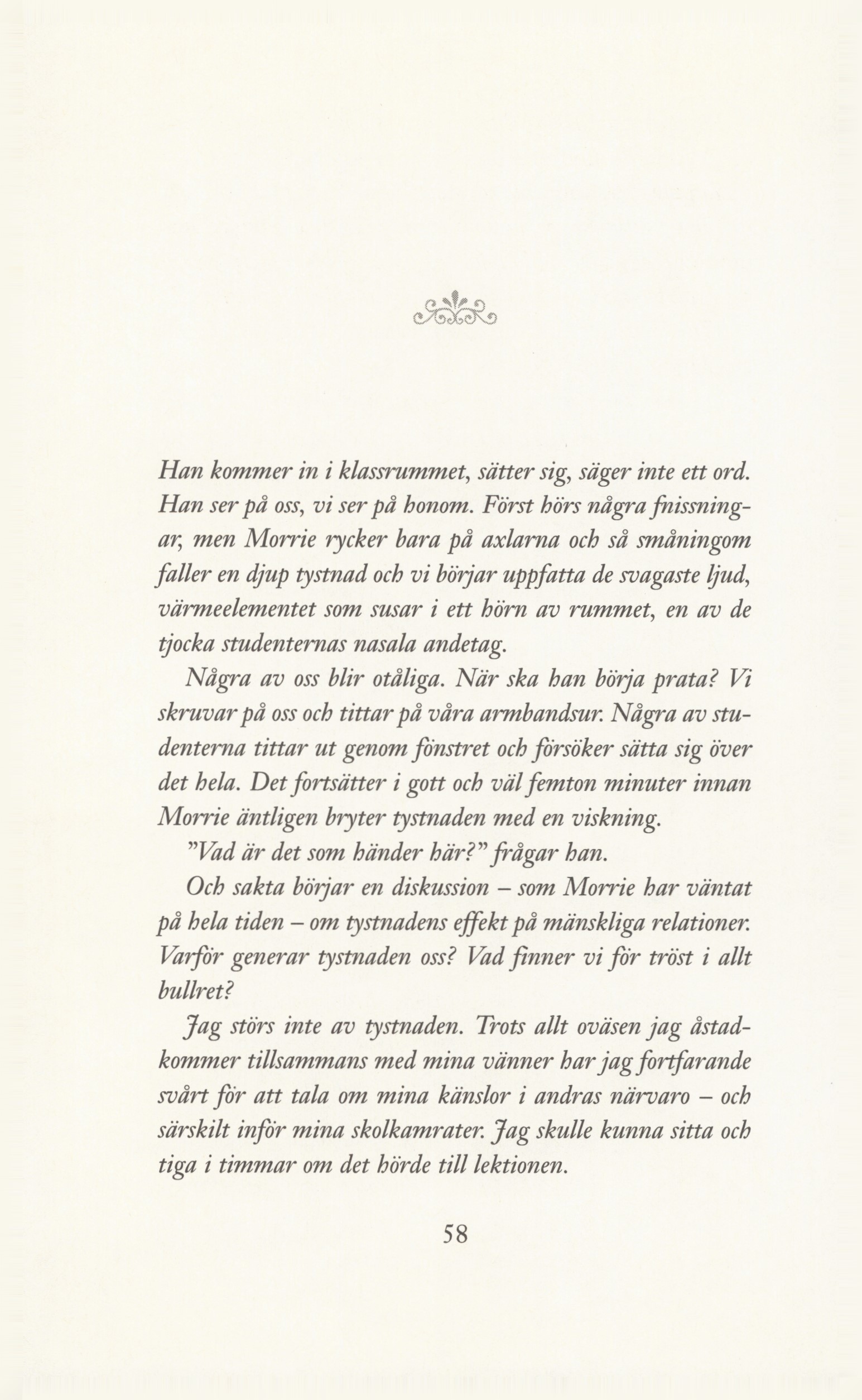
Example 3: Original and retouched image with a dynamic pixel palette
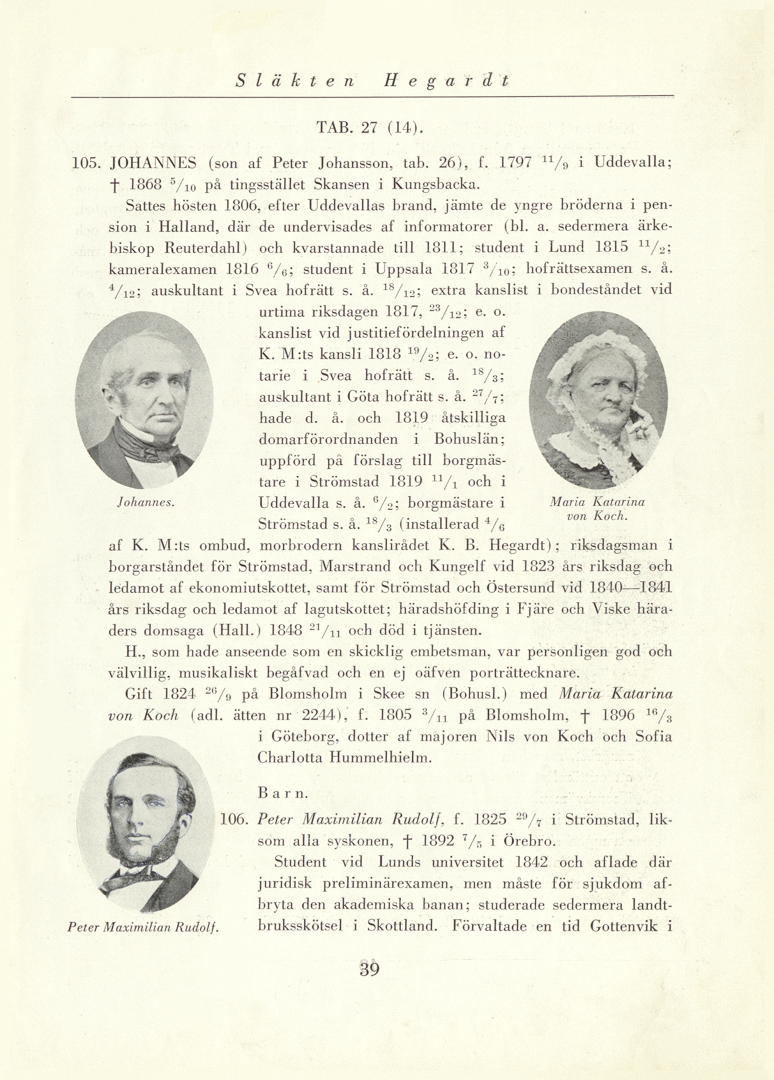
Example 4: To crop or not to crop?
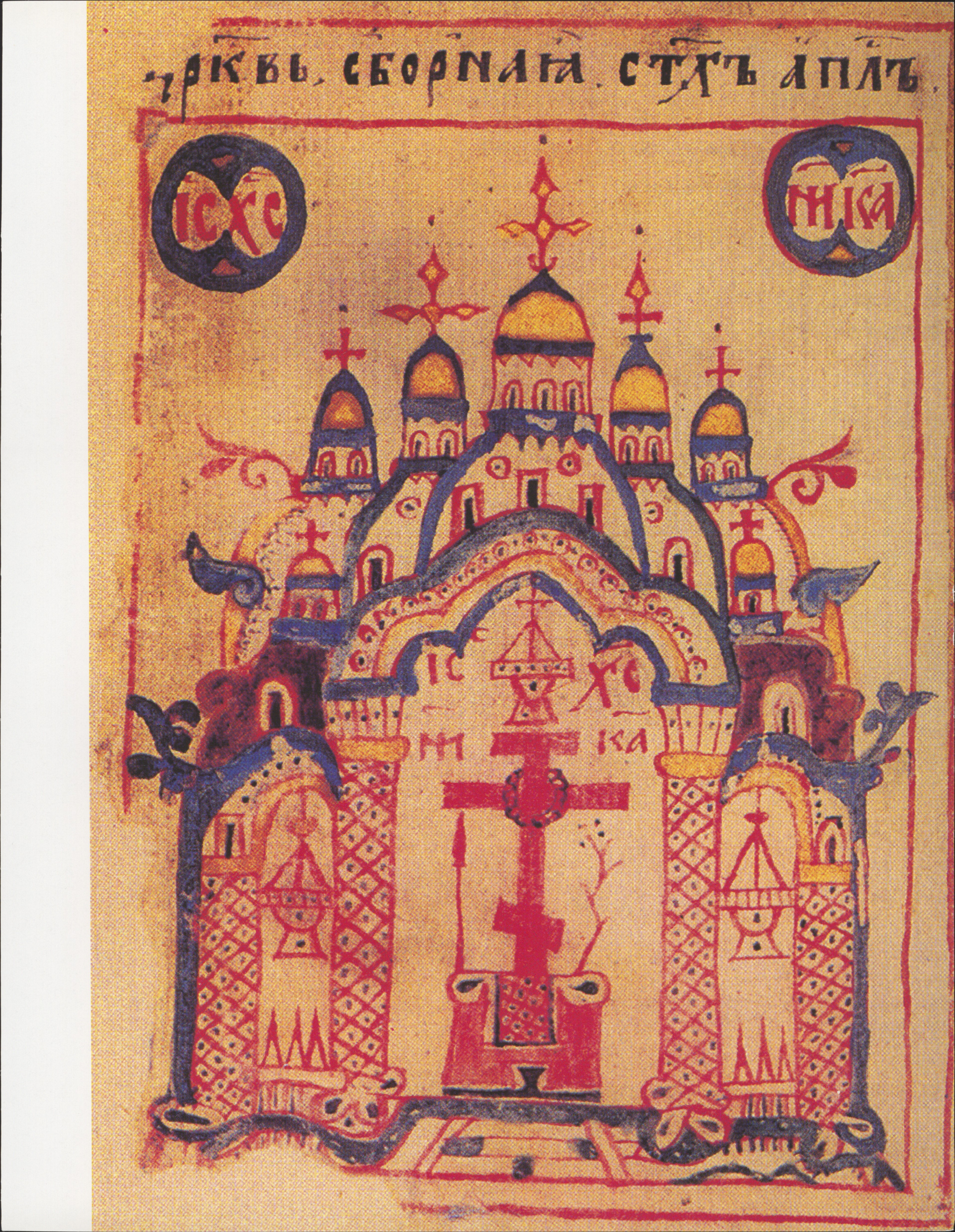
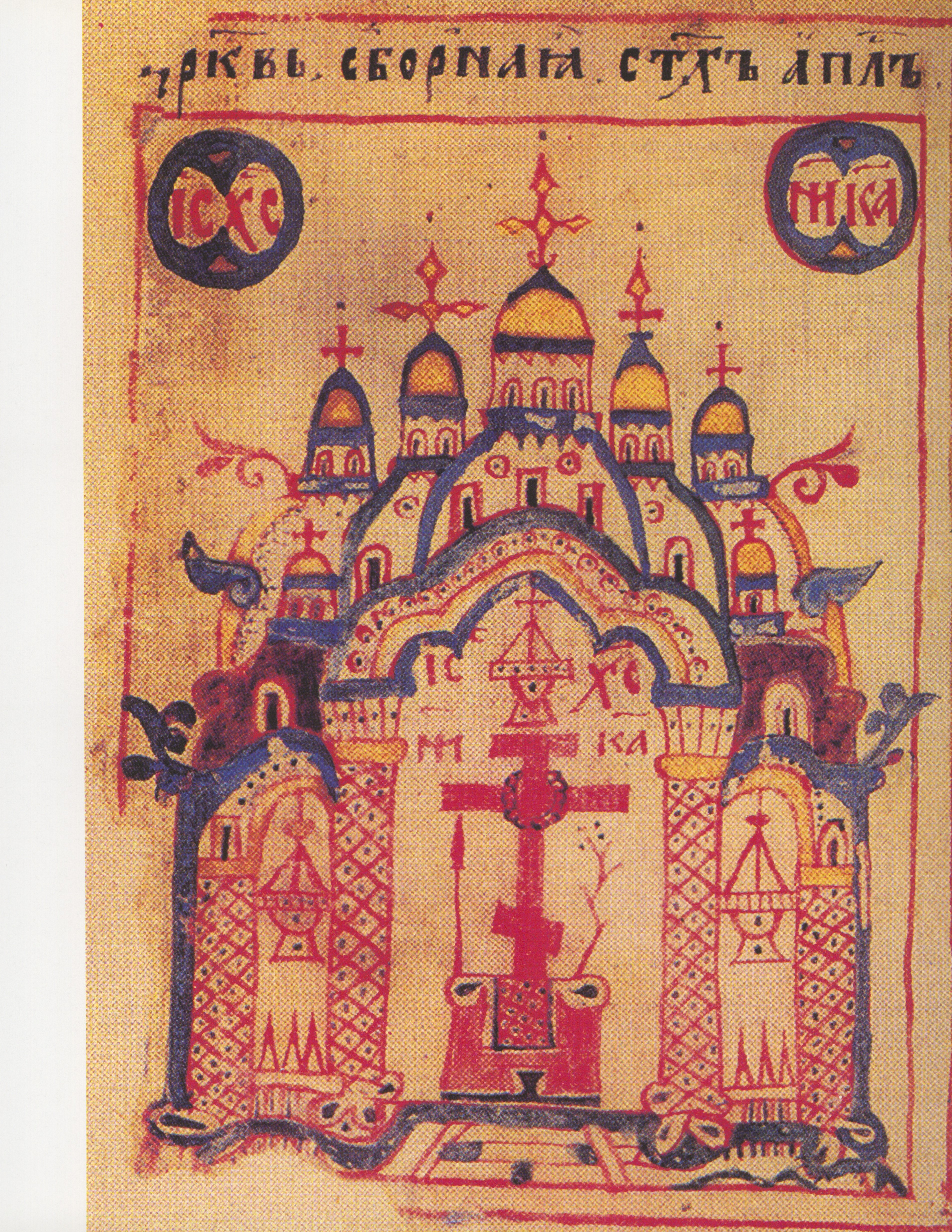
Example 5: A book page and text block as it actually looks, or with straightened text?
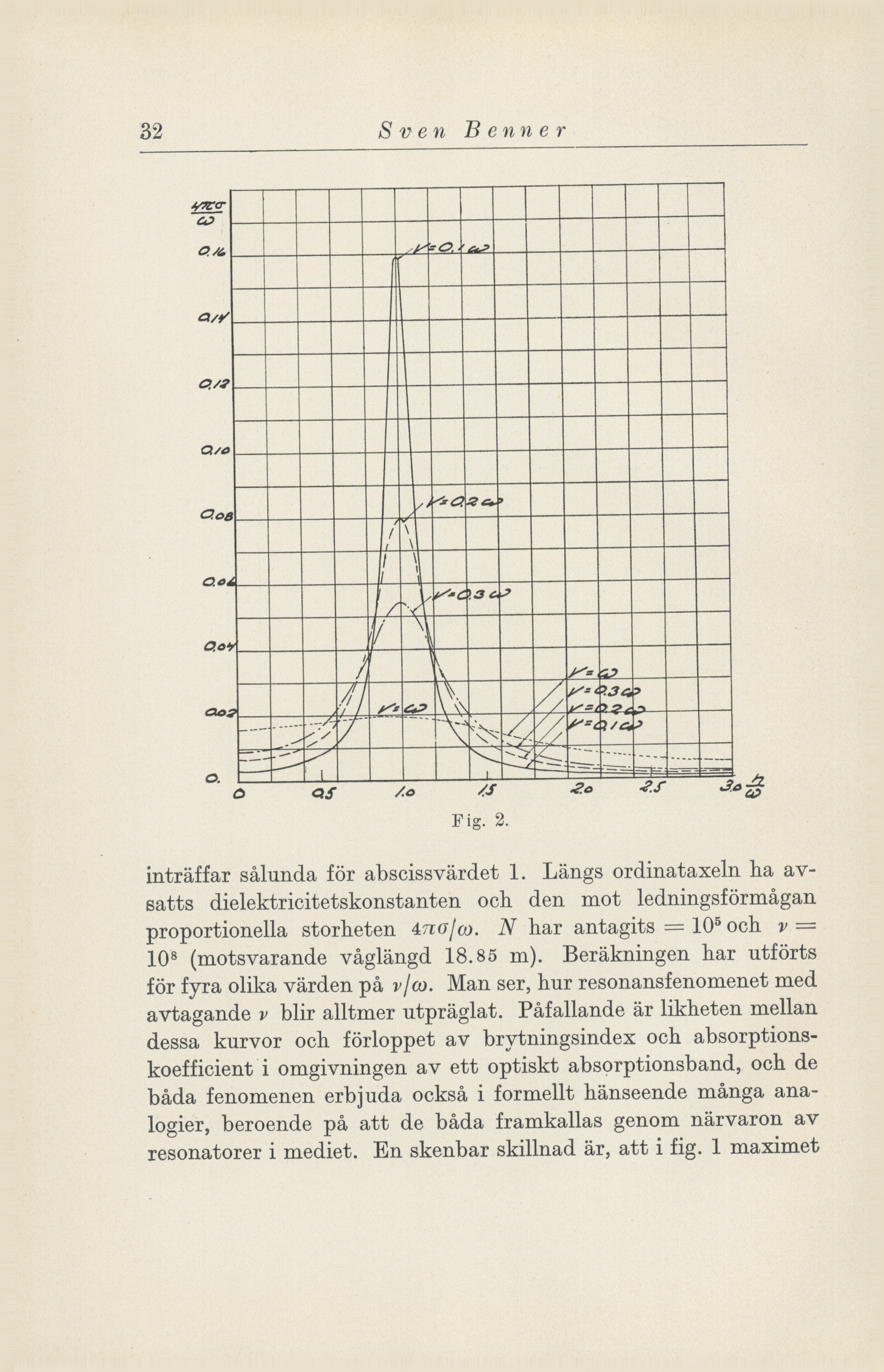
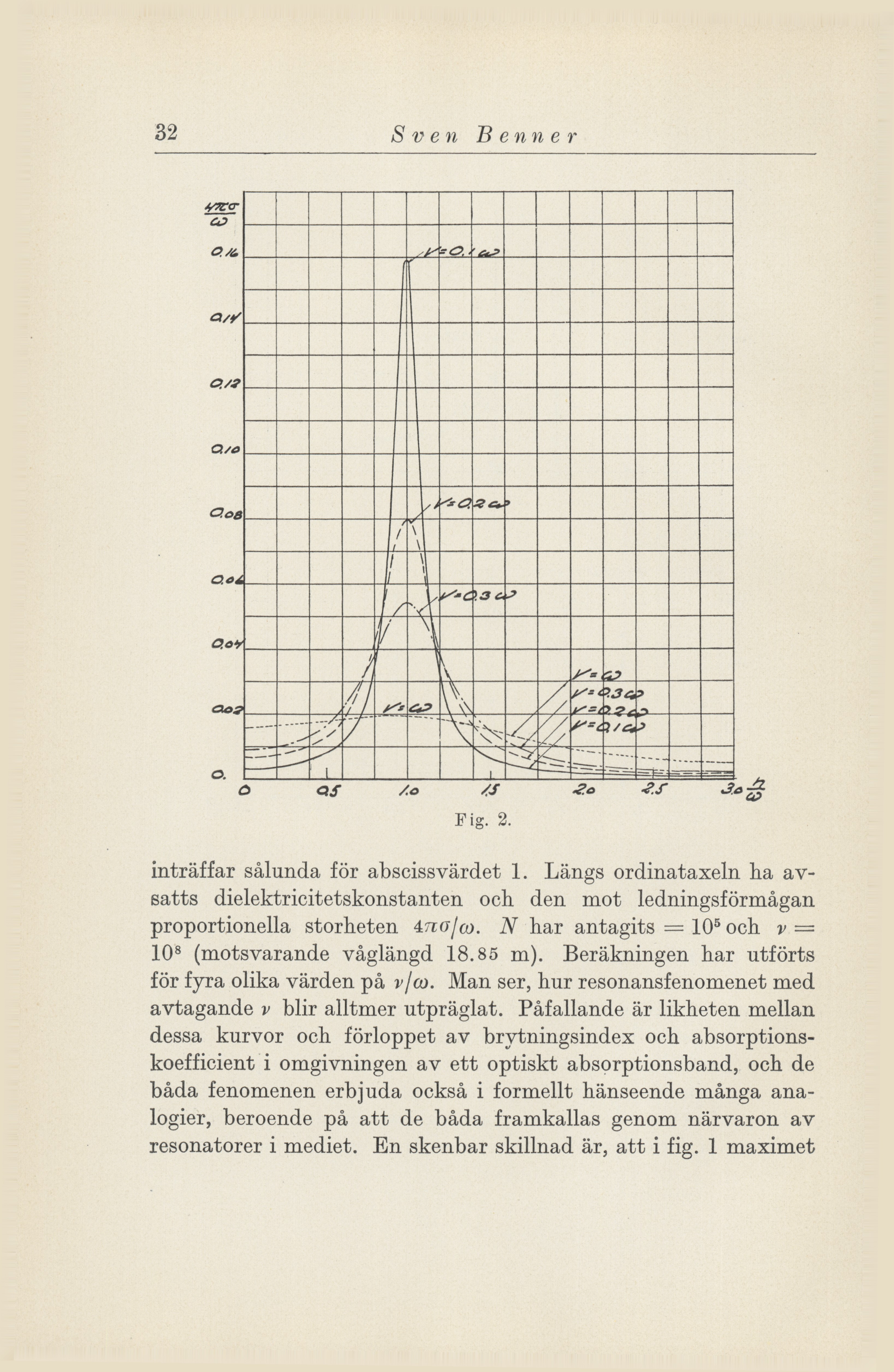
Examples of overhead-scanned images

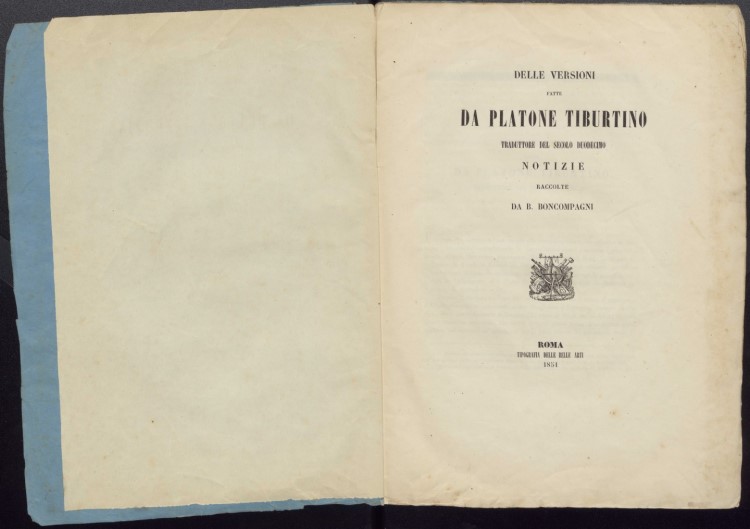

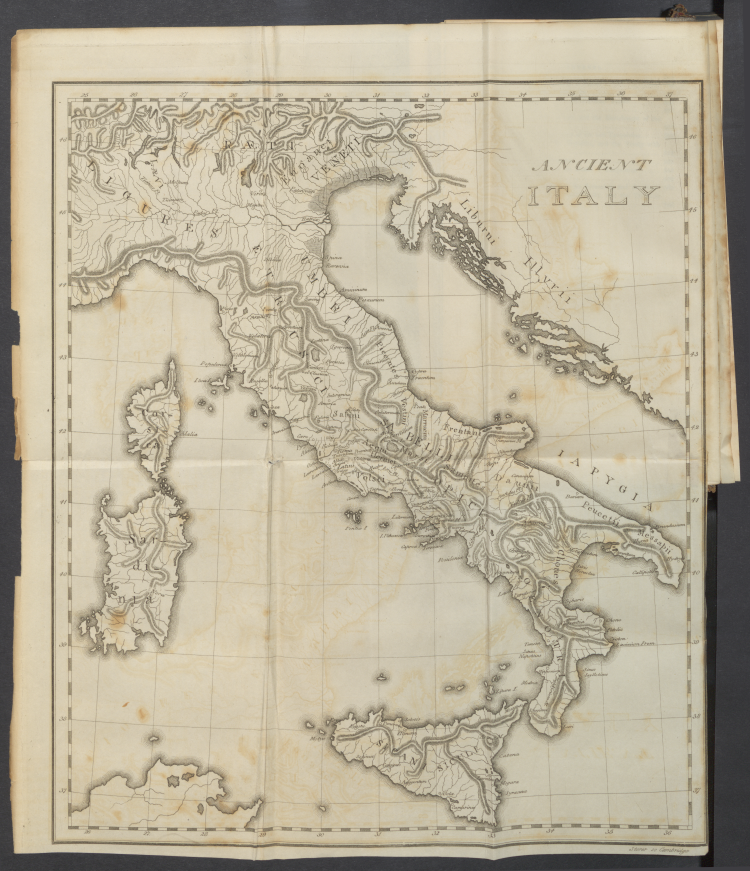

Video of the workflow - an example
This is a 13-page extract from a museum catalogue. A sample digitisation. I scanned the front covers in colour at 600dpi with a Zeutschel overhead scanner. Then I scanned the text block in 600 dpi colour on an Inotec 6x1 scanner. I post-processed the edges of the page images in a separate post-processing program. Last of all, I OCR-interpreted them and saved them to PDF format.
Trimming of book pages