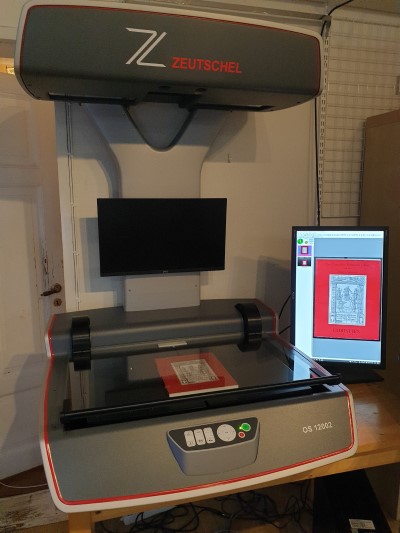
Document scanning with sequential numbering
We can offer scanning without OCR of large volumes of documents, from A8 (53*74 mm) up to A3 format. The end product consists of page images stored in PDF (or TIFF). They are numbered with sequential numbers in scanning order, 0001.pdf, 0002.pdf and so on, and the numbering is applied either per page image or per multi-page PDF document.
The latter is done through document separation using a dedicated separator sheet or a barcode intended for the purpose.
PDFs are normally scanned in the strict PDF archiving format PDF/A-1b (ISO 19005-1:2005) (applies to image PDFs).
Scanning to multi-page PDFs with document separation works well, for example, for due diligence, audit documentation and so on, travel expense reports and various types of case files. If the material is difficult to scan because of attached receipts and the like, we can use our overhead scanner instead of a regular document scanner.
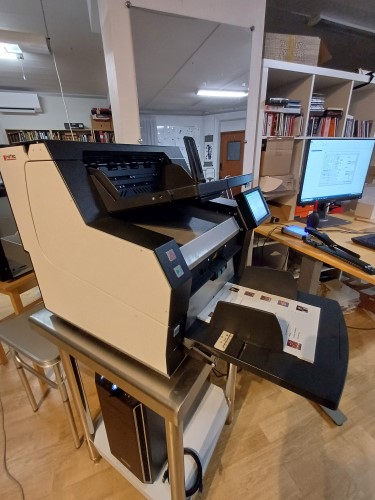
Document scanning with automatic indexing
An extended variant of the above document scanning is to OCR interpret only one, or a couple of individual fields on the images, perhaps from a cover sheet. This might be a personal identity number, a company registration number or another unique identifier. We can use this interpreted information to name the PDFs automatically. They might be named after a personal identity number, company registration number, report number or contract number, to for example 'personal identity number'.PDF, and so on. With the images named in this way, it becomes easy to find them in your folder on the computer. It also becomes easy to link to the documents from a database.
This automatic indexing is normally done with flexible data capture technology. Please read more about this technology under the section "Scanning of forms".
Document scanning with manual indexing
In cases where it is not possible to capture a field automatically for indexing, we can register one or more pieces of data from a page manually.
Renaming of documents
After we have captured or registered data, we can use that data to give the PDF files new names.